Plenty of churches outside the English-speaking world run projection software designed somewhere else, for other habits. It works, right up to the day you have to train a new volunteer, find a Bible version in your own language, or plug in a second screen. Here is what to look at before switching tools — and what is not worth the trouble.
What are you actually looking for in a ProPresenter alternative?
Almost never what comparison pages promise. A church shopping for a ProPresenter alternative is not after "more features". It has hit one specific wall, and it is nearly always one of these four.
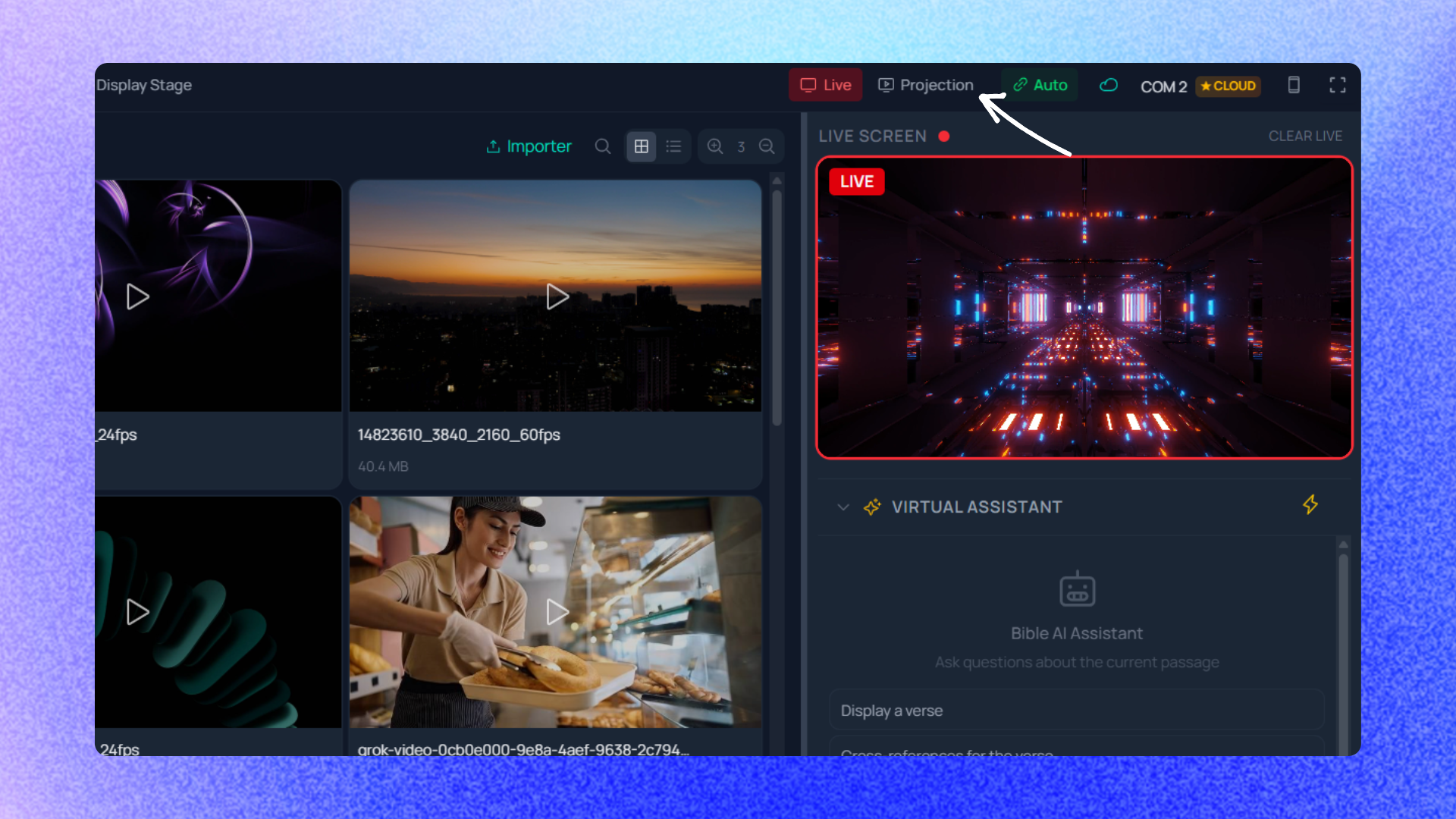
Language. Not only the interface: the language you explain the software in. A leader who has to mentally translate every menu while training a seventy-year-old volunteer loses half the session. The lixPresentr interface exists in French and English, and switches without a restart; the documentation is published in both languages. The test takes two minutes: open the Bible projection documentation and hand it to the least confident person on your team. If they follow it, you have your answer. Bible versions. This is the most common friction point, and the quietest one: you discover it after installing. The lixPresentr catalogue offers 93 downloadable Bible versions across 51 languages, 14 of them enabled by default. For a bilingual congregation, several versions can be projected side by side on the same slide — which, in a great many churches across Europe and Africa, is not a luxury but how a normal Sunday works. How many screens. A modern room rarely has just one: the main hall, the lobby, the stage monitor. Every connected screen can show different content, with its own template. An output can show global content, the Bible, songs, the playlist, lower thirds, a preview or the stage display. Configured outputs reopen automatically when the application starts, which spares you the Sunday-morning ritual of wiring everything again by hand. What happens when the internet drops. A church renting a venue does not control the network. lixPresentr is desktop software whose projection works without an internet connection: Bibles, songs and playlists are stored locally, and Windows, macOS and Linux builds are available.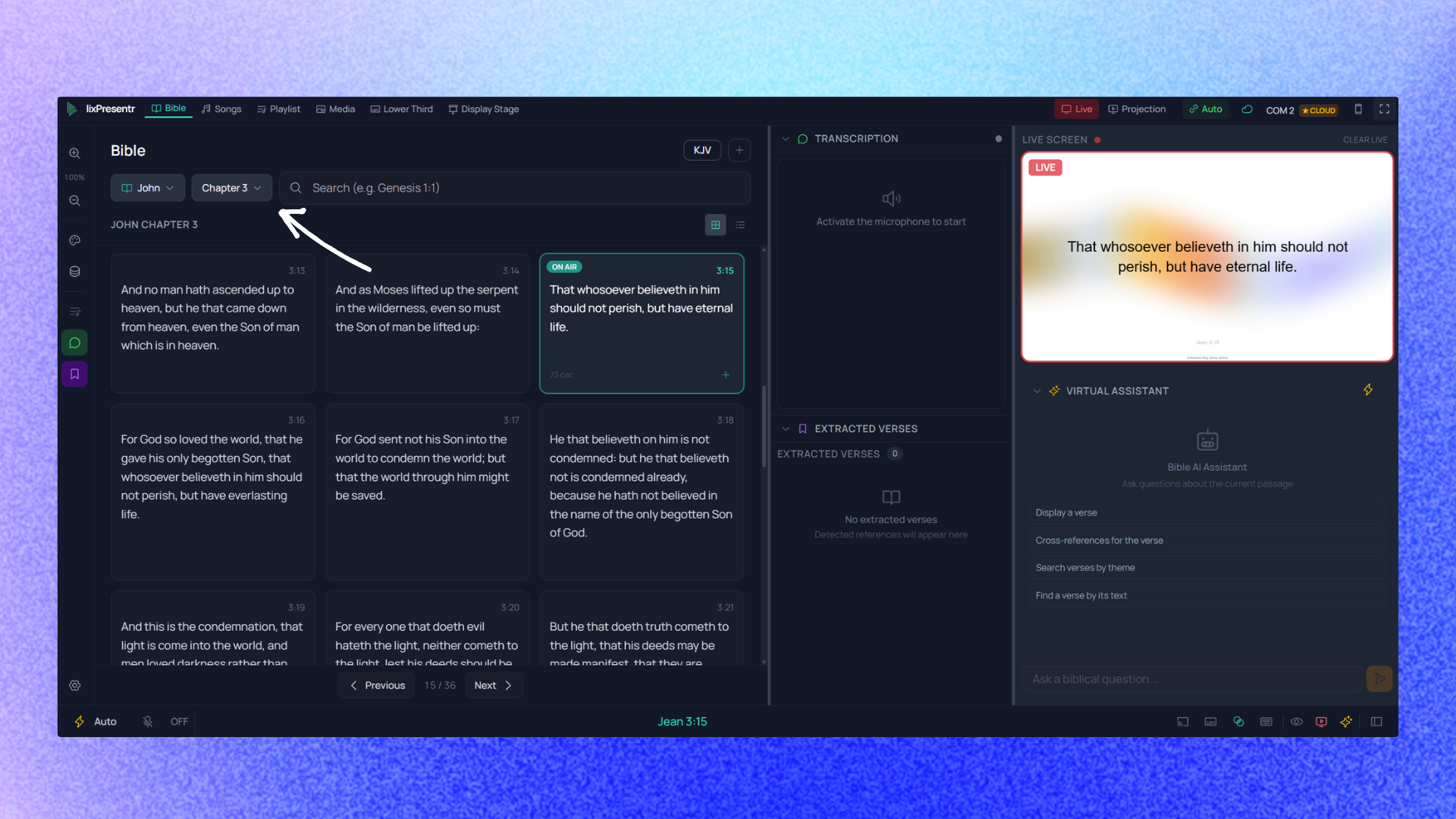
How to compare without losing a whole month to it
The right method is not to walk down a checklist. It is to replay a real Sunday.
- Take the running order from your last service — the one that already exists: three songs, two readings, an announcement, a sermon passage.
- Build it in each candidate, stopwatch running. What you are measuring is not the power of the tool, it is how long it takes someone who does not know it.
- Let a volunteer drive, not you. You already know your current software by heart, so your opinion is skewed. The opinion of whoever will staff the booth six months from now is not.
- Test the screens on the room's own hardware, not on your laptop at the office. Half of the nasty surprises live there. The steps are on the projection outputs page.
- Then break something on purpose. Unplug the network cable mid-rehearsal. Close the projection window and reopen it. Hand the machine to the volunteer and walk away for five minutes. A tool that survives a deliberately bad rehearsal will survive an accidentally bad Sunday, and you learn more in that quarter of an hour than from any feature table.
On the song side, the question that always comes up is what happens to the library you already have. Songs import from CCLI SongSelect or paste in as plain text, automatically split into sections. In other words: if your lyrics exist as text somewhere, they come across without being retyped. Each song also keeps its own projection template, so an old hymn and a contemporary worship song can keep different layouts.
What to look at honestly before switching
Changing projection software is not a free operation, and an article pretending otherwise is setting you up for a bad Sunday.
Your visual design does not transfer. One tool's files do not open in another. Plan to rebuild your backgrounds and layouts rather than migrate them. It is often a chance to restart on something simpler, but it is real work, and it is better done in a quiet season than in December. Your volunteers have to relearn. Even when the new tool is simpler, three years of muscle memory do not vanish in one training session. Budget two or three Sundays of hand-holding, and keep the old machine available as a safety net during the transition. Some features need the internet. Speech recognition, the assisted chat, syncing between machines and the store all require a connection. They are add-ons, not the core: projection itself runs offline. But if one of those features is precisely why you are switching, the quality of your network becomes a criterion in its own right. Do not switch mid-season. The worst week to migrate is the one before a big event. The best is a quiet stretch where an imperfect Sunday costs nothing, and where the person who used to run everything alone can sit in the back row and watch somebody else do it.So, should you switch?
If your current software suits you and your volunteers have mastered it, keep it. The best ProPresenter alternative is still ProPresenter for a church that uses it well.
If, on the other hand, you spend your Sundays working around a gap — a missing Bible version, a screen nobody can configure, an interface nobody dares touch — then the cost of switching pays for itself quickly. What each plan covers is listed on the pricing page; the rest is decided by installing the thing and replaying a real service.
Frequently asked questions
Can I import songs from another program?
Songs import from CCLI SongSelect or paste in as plain text, automatically split into sections. So the approach that always works is to export or copy the lyrics out of your current software as text, then paste them in. Verses and choruses are detected automatically, and can be corrected by hand when a song has an unusual structure.