The guest pastor walks up, the camera is rolling, and nobody on the tech team knows how to get his name on screen during the broadcast. This is a common Sunday morning problem: you're streaming the service, but you don't have the time or the budget to add a separate broadcast suite on top of your projection software. Good news: you don't need one.
How do you show the speaker name on your church live stream?
The feature you're looking for is called a lower third. It's the strip of text that appears near the bottom of the screen with a person's name and sometimes their role. You don't need a custom graphic built from scratch every week: the lower-third control room comes with 27 ready-made looks, which you can tint to your church's colours to stay consistent with your other visuals.
In practice, this means a volunteer can prepare the speaker's name during the week, pick one of the 27 looks, and have it ready for Sunday. The setup happens once, and the lower third is then reusable for anyone who steps up to the mic, including a testimony or a last-minute announcement during the service.
Why do four layers on air change how you prepare Sunday?
The real benefit isn't just showing a name. It's being able to stack several pieces of information at once, without one covering the other. Four independent layers can be on air at the same time: the speaker, a scrolling ticker, a bug, and an info layer.
In practice, this lets you show the speaker's name at the bottom, a scrolling message announcing the church's next event, and your logo in a corner, all while the camera stays on the stage. Each layer is controlled independently: you can remove the speaker's name without touching the logo, or change the ticker message without interrupting anything else. This is exactly what a separate broadcast suite would offer, except here everything is run from the same tool that already handles your songs and Bible projection. The full set of options for each layer is covered in the documentation on lower thirds.
How do you launch a lower third live without losing your place?
A volunteer running projection on a Sunday already has a lot to track: song lyrics, Bible verses, sometimes a video. Adding lower-third management shouldn't make their job harder. That's why each lower third starts and stops in one click, or directly with the number keys 1 to 9 on the keyboard.
This means the moment the guest pastor starts speaking, one keystroke brings up his name, and another removes it when it's no longer needed. No menu to open, no multi-step process while the service keeps going. The control bar groups these actions in the same place as the rest of your projection, so there's no need to juggle several windows or several pieces of software during the live.
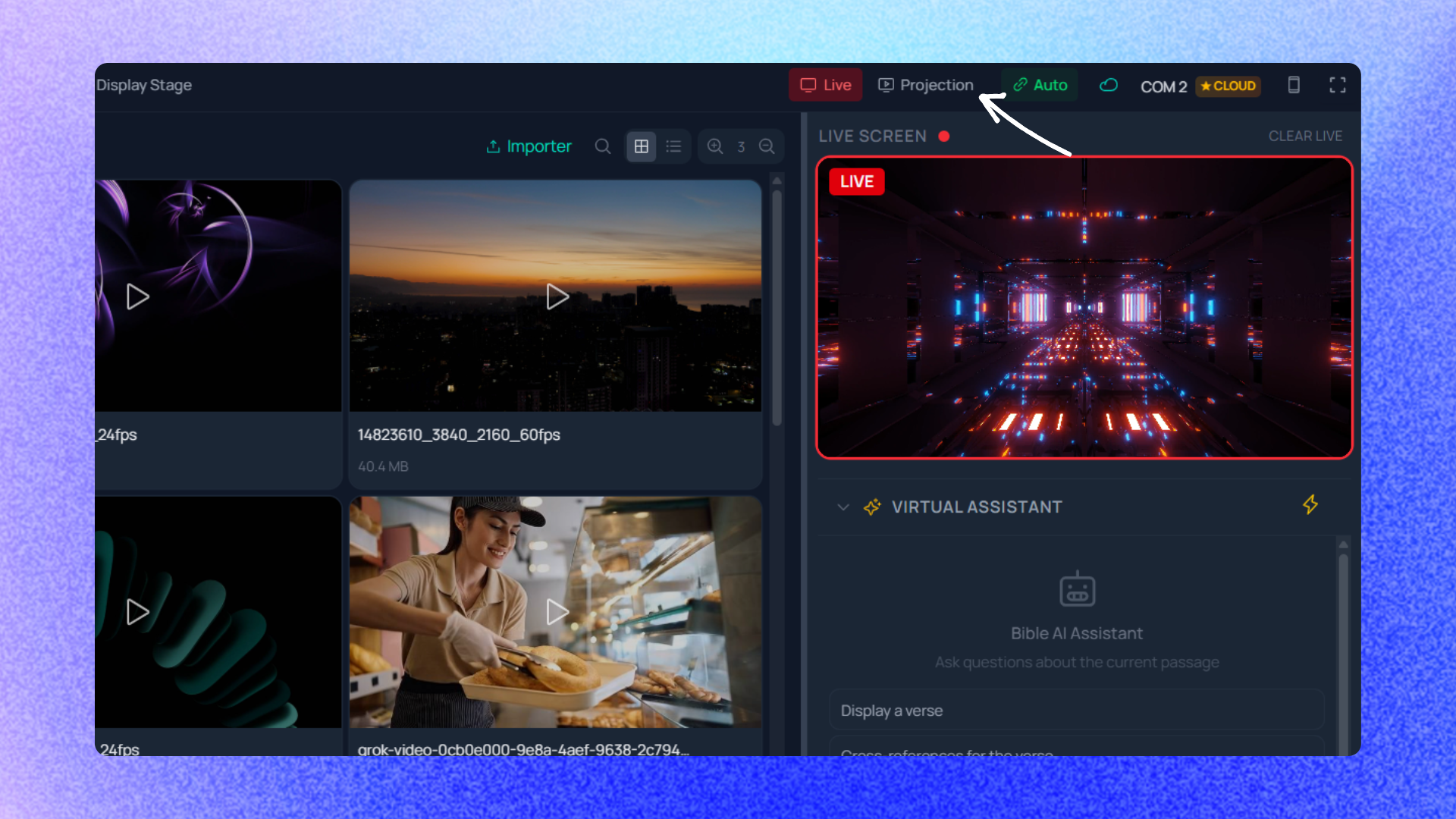
Do you need a different screen for the room, the booth, and the stream?
Once the speaker name, the ticker and the logo are ready, a common question comes up: does everyone need to see exactly the same thing? Not necessarily. The sanctuary might need a plain display so as not to distract the congregation, while the online stream output shows the lower thirds with the speaker's name for people following remotely.
This works because every connected screen can show different content, with its own template. One output can show only the global service content, another the Bible or song lyrics, another the playlist, lower thirds, a preview of what's coming up, or even the stage display for the musicians. This flexibility is described in more detail in the documentation on multiple projection outputs.
For a church that streams its services, this often translates into a simple setup: a sanctuary screen with lyrics and verses, a stage display for the musicians, and a dedicated stream output that includes the lower thirds with the speaker's name. Each configuration stays independent, so changing what the stream shows doesn't affect what the congregation sees in the room.
How do outputs come back the same way every Sunday?
A concern that comes up often with volunteer teams: the fear of having to reconfigure everything each week because the person running tech last Sunday isn't the same one running it this week. Here, configured outputs reopen automatically when the application starts. In other words, once your screens are set up - which screen shows what, with which template - that setup stays in place from one Sunday to the next, even if a different volunteer opens the software that morning.
This removes a common source of error: forgetting to reconnect an output or reconfigure a screen in the rush right before the service starts. The setup stays stable, and the team can focus on the day's content instead of the technical side.
One interface for the whole tech team
What stands out across these four features - lower thirds, multiple layers, quick launch, independent outputs - is that they're all run from the same interface used to project songs and Bible verses. There's no extra broadcast software to learn, no second computer to plug in just to show the speaker's name during the online stream.
For a volunteer team that rotates from one Sunday to the next, this is often what separates a feature that actually gets used from one that gets abandoned because it's too complicated to set up on the day of the service. If you want to see what this looks like for your church, the pricing page details the plans available.
Showing a speaker's name, a scrolling message and a logo during a streamed service doesn't require a special technical skill or a budget for a second piece of software. It mostly comes down to preparing the lower thirds ahead of time, knowing the 1 to 9 keys, and letting the screen configuration do the rest week after week.