/
Your first projection
Connect a secondary display, open the projection window, and show your first verse in a few clicks.
1. Connect a secondary display
Connect your projector, TV, or monitor via HDMI. In Windows display settings, choose "Extend these displays" (not "Duplicate").

2. Open the projection window
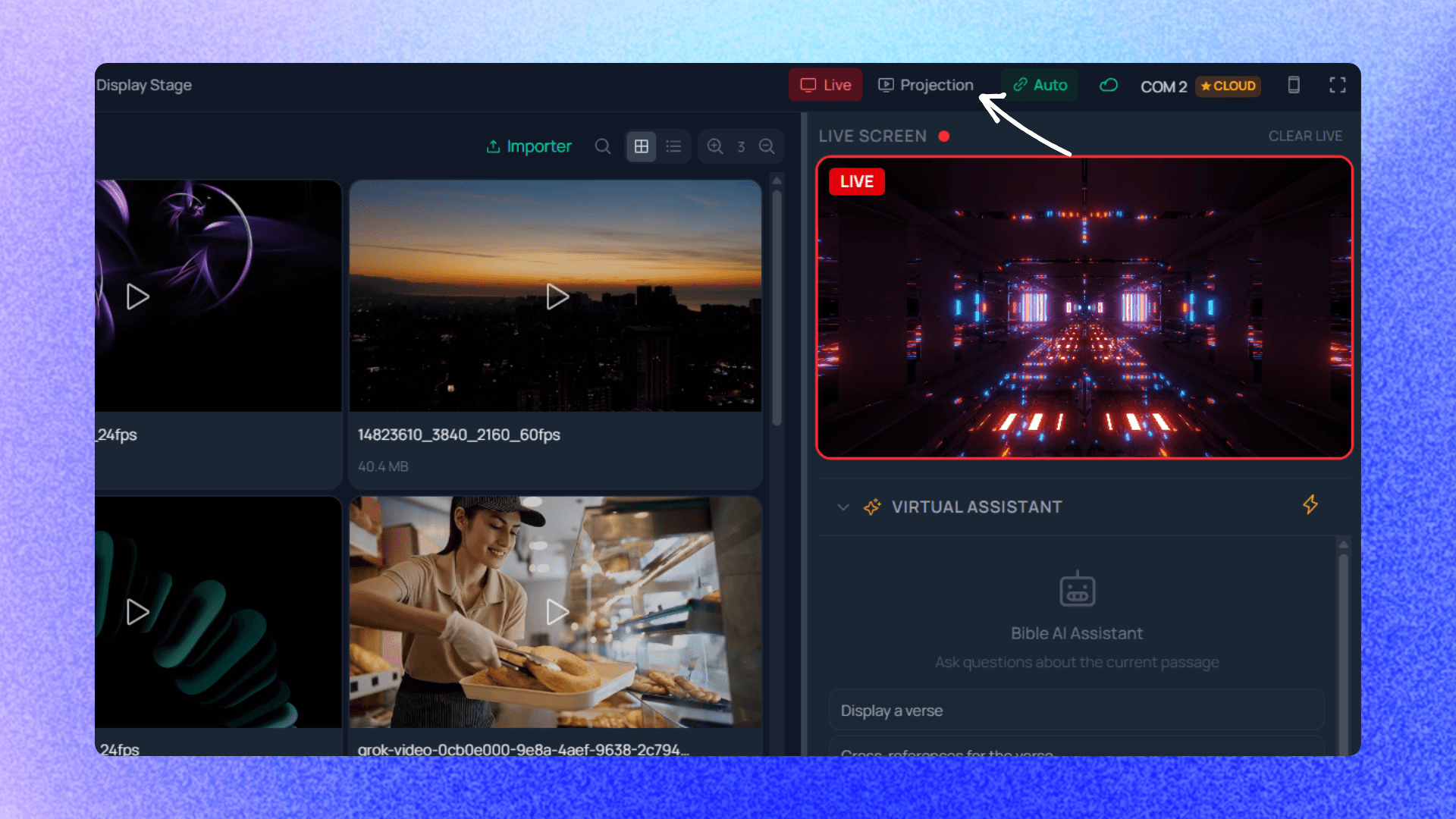
In the control bar at the top of the operator screen, click "Open projection". The window opens in fullscreen on the secondary display.
3. Select a verse
In the navigation panel, choose a book (e.g. John), a chapter (e.g. 3), and a verse (e.g. 16). The verse appears in the preview.

4. Go Live
Click the "Live" button in the control bar. The verse is instantly projected to the secondary screen in front of your congregation.
Tip: Use the keyboard arrows to navigate between verses while you are Live. See all shortcuts.