/
Subscribe to the Pro plan
The Pro subscription unlocks the desktop license, cloud sync, mobile remote control, and voice transcription.
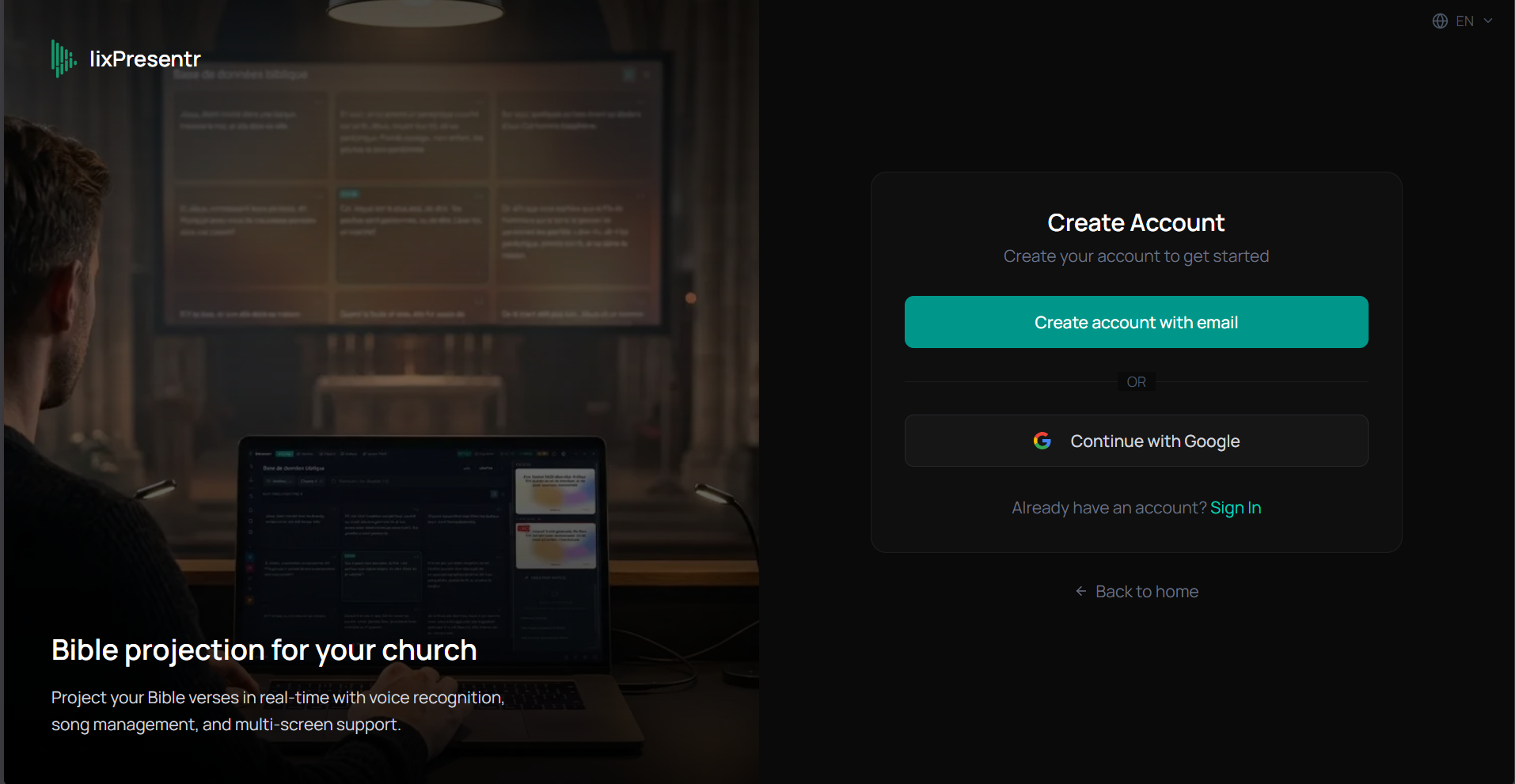
1. Create an account
Go to lixpresentr.app/sign-up and create an account with your email or Google.
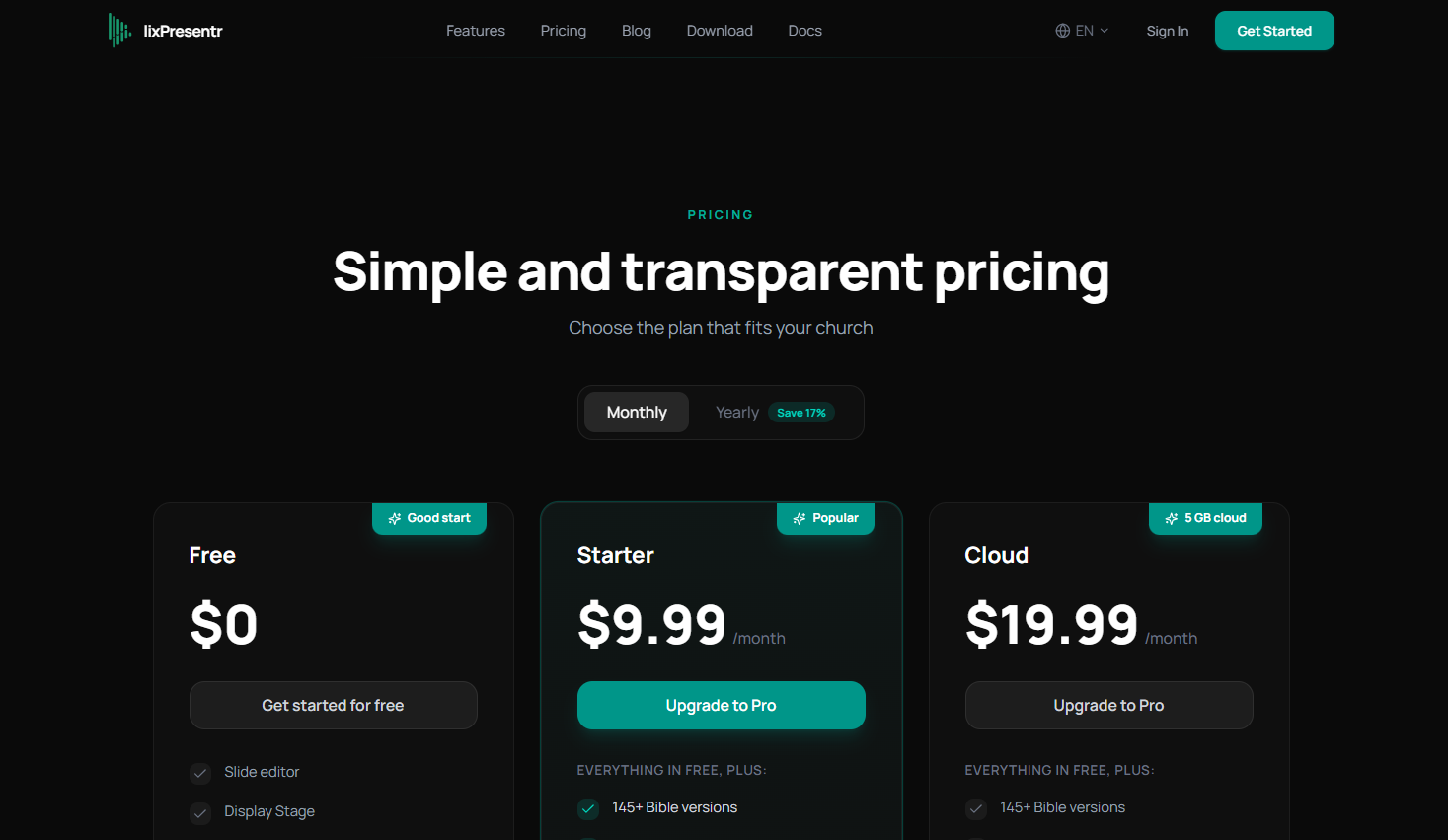
2. Choose a plan
From the pricing page, select the Pro plan (monthly or yearly). The yearly plan offers about 2 months free.
3. Payment via Stripe
You are redirected to the secure Stripe checkout. Enter your credit card and confirm. The subscription activates immediately.
Tip: You can cancel or change plans at any time from your dashboard. Billing is prorated.
4. Access your dashboard
Once payment is confirmed, you are redirected to your dashboard. There you will find the license key generator needed for desktop activation.
Next step
→ Activate the desktop license